52 appearances for the same library
I developed a collection of 52 themes for tarteaucitron.io Pro. It includes 51 original designs and Default, the native appearance of tarteaucitron.js. The objective is not to change how consent works but to make its interface easier to adapt to very different websites.
Until now, customizing a banner could mean rewriting CSS rules, checking the settings panel and adjusting several components separately. With this collection, I designed complete visual systems intended to be selected from the Pro dashboard.
The interactive gallery makes it possible to compare all 52 appearances. Changes apply directly to the banner and panel, providing a more useful preview than a collection of thumbnails.
Customization across the entire interface
Each theme affects the main banner, buttons, settings panel, service details, cookie information and permanent icon. Changing the banner color alone is not enough if the opened panel retains a completely unrelated design.
I therefore focused on consistency across components. This involves checking hover and focus states, individual service controls and text that can vary in length between languages.
Accept and refuse options must remain comparable. A theme should not make refusal less visible or use visual design to push people toward a particular decision. Customization concerns presentation, not consent rules.
Three themes focused on readability
A11y Comfort, A11y Compact and A11y Contrast address different constraints: giving text more room, reducing visual density and strengthening certain visual separations. They are design starting points, not accessibility certifications.
A dedicated article explains their differences and the checks still required on real websites. Contrast, keyboard navigation, accessible names and zoom behavior need to be verified in the final integration.
Read about the three readability-focused themes.
Seven sports-inspired themes
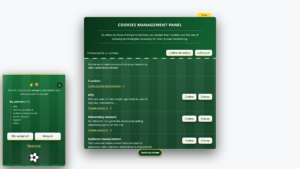
Football, Rugby, Basketball, Tennis, Golf, Equestrian and Water Sports use references to their respective disciplines. Colors inspired by playing fields, equipment or natural environments give the banner personality without changing configured services.
This family may be useful for clubs and associations, but it does not impose a choice: a sports website may prefer a minimal interface. Themes are visual options, not mandatory categories.
Explore the seven sports themes.
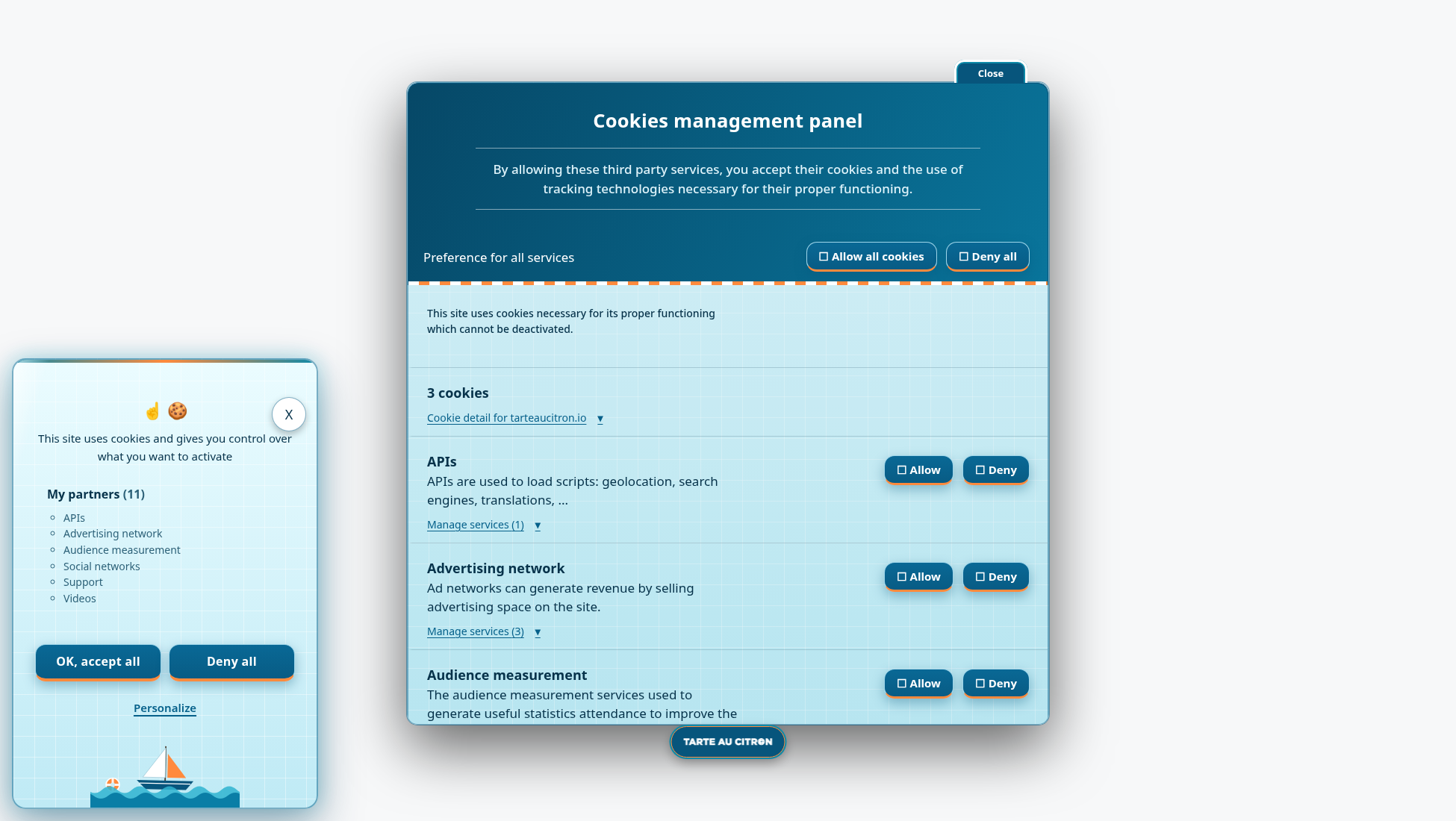
Eleven industry themes
Hotel, Restaurant, Pastry, Medical, Legal, Real Estate, Fashion, Optical, Spa, Campus and Construction offer designs suited to different professional environments. Some are understated, while others use more pronounced colors.
For an agency managing multiple client websites, these themes can provide a starting point without recreating an entire CSS stylesheet for each project. A very specific brand identity may still require additional work.
Explore the eleven industry themes.
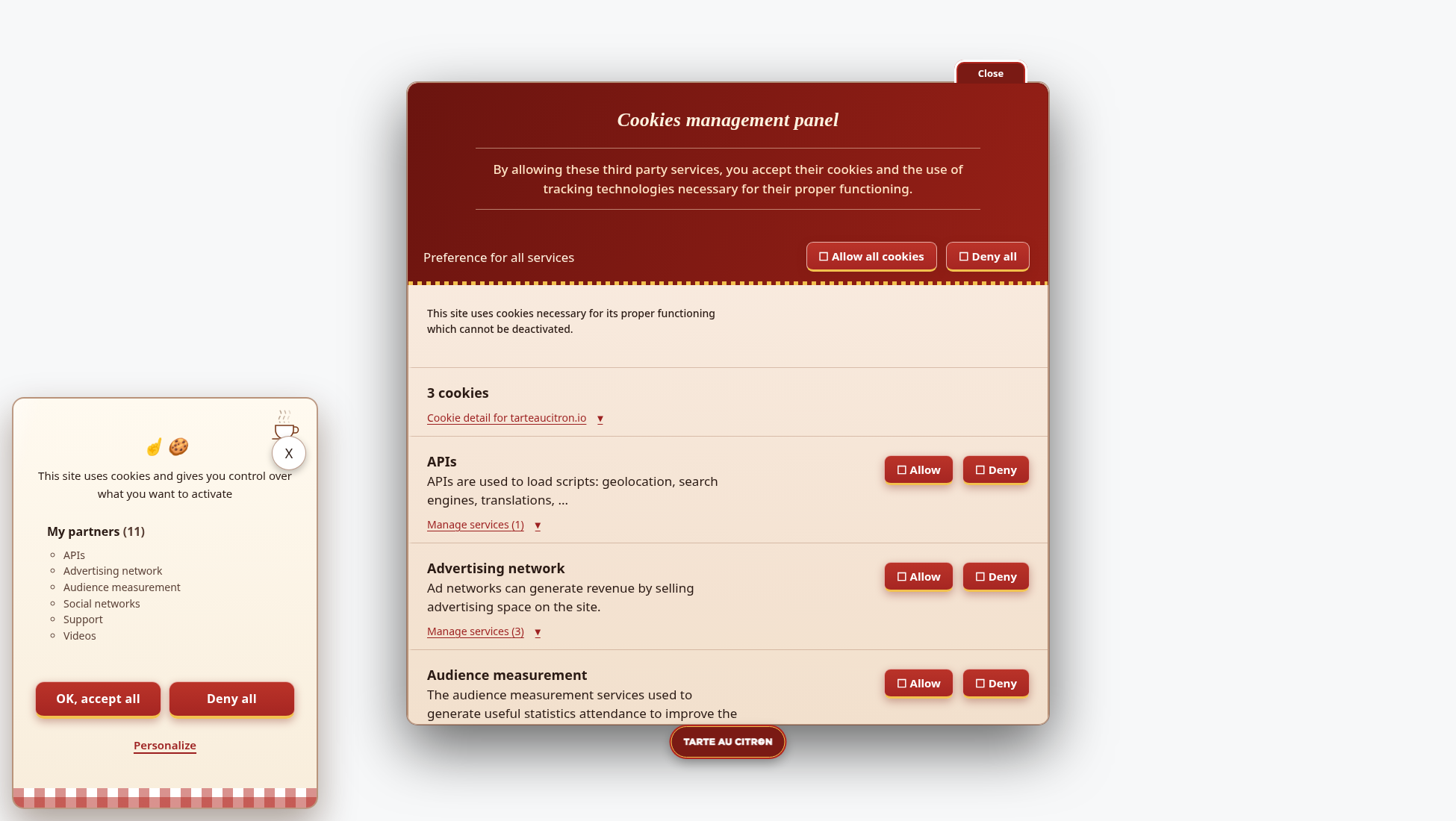
Twelve experimental designs
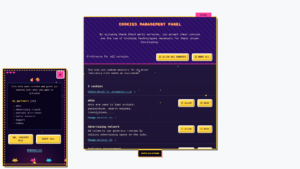
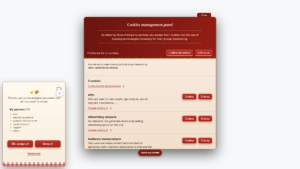
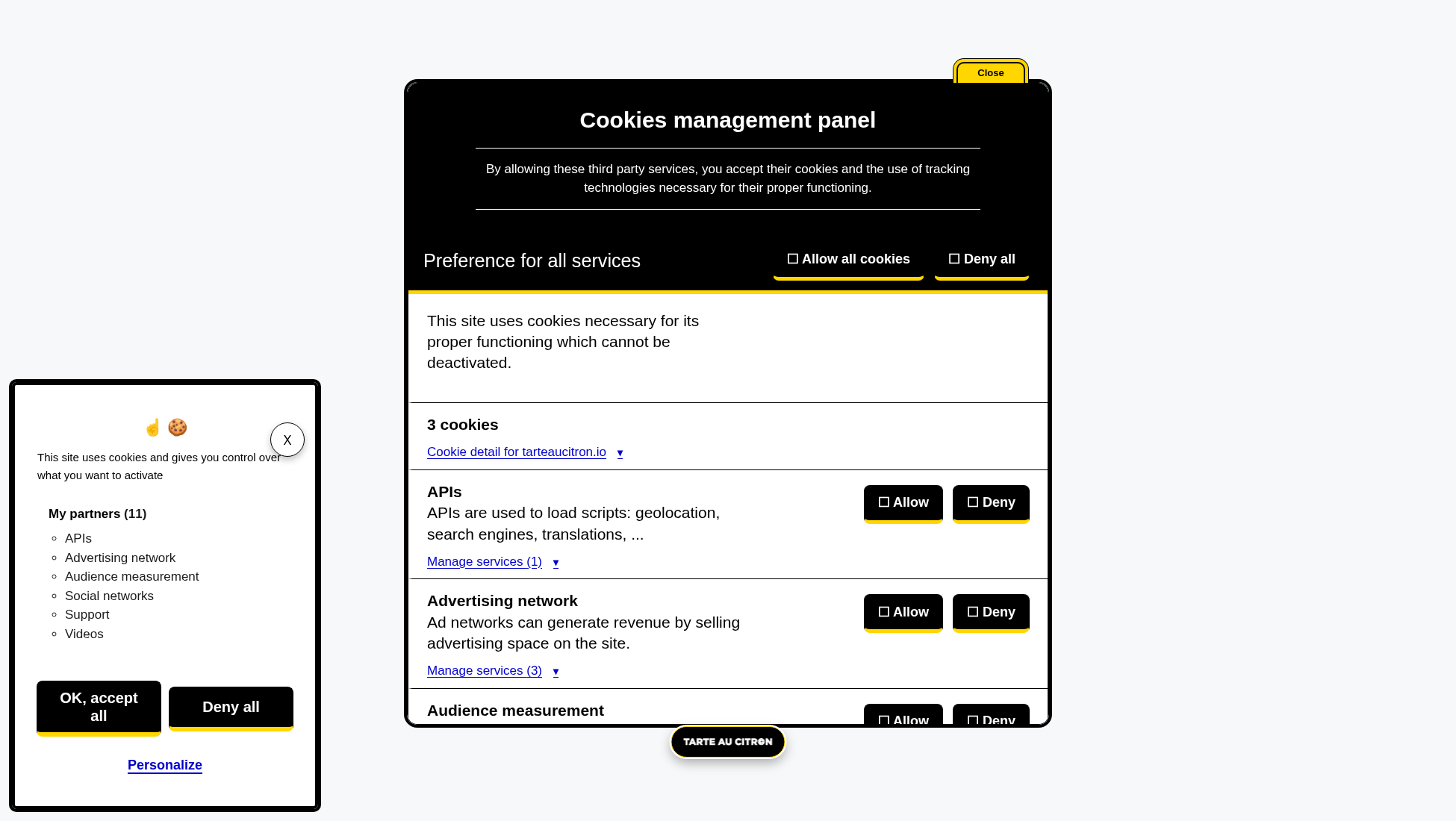
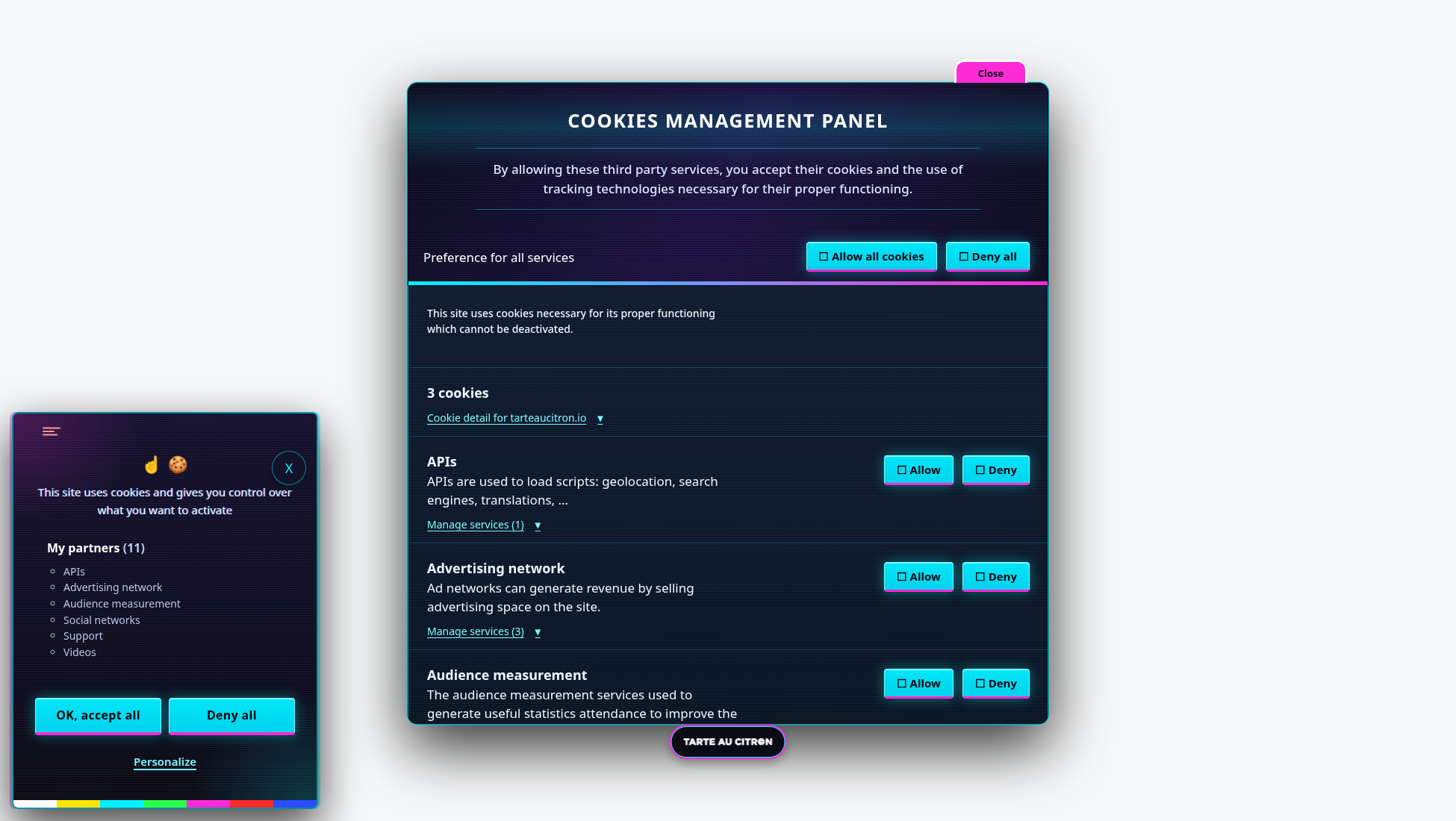
Glitch, Cyberpunk, Arcade, Cosmic, Cosmos Light, Spatial, Vegas, Comic, Miami, Candy, Citron and Origami explore freer references. They draw on video games, science fiction, illuminated signs and geometry.
Glitch is my favorite. Its offsets and cyan and magenta accents demonstrate how expressive an interface can become while preserving understandable controls. Effects also need to respect reduced-motion preferences.
Explore the twelve creative themes.
What about the nineteen other appearances?
The remaining designs cover four families: nature and landscapes, minimal and elegant styles, retro and technical references, and seasonal or identity-based themes. Examples include Forest, Ocean, Minimal, Glass, Terminal, Win95, Halloween and France.
I did not want to limit the collection to industries. Some websites want a particular atmosphere, others prefer an understated interface, and some need a temporary design for a particular season.
Every appearance, including Default, can be explored in the gallery. Visitors can browse by family and compare designs without installing them on a production website.
A Pro feature, with the open source library unchanged
The collection is exclusive to tarteaucitron.io Pro. Selecting themes from the dashboard is intended to simplify appearance changes and avoid maintaining separate custom CSS for every design.
The open source version of tarteaucitron.js retains its existing CSS customization options. The 51 original designs are not included in its distribution: they are an additional feature of the Pro service.
Default remains available to restore the native appearance. It also provides a useful reference for understanding what is visual customization and what belongs to the library’s underlying behavior.
Try before choosing
A screenshot shows a visual intention but not how the interface behaves. It is also important to open the panel, browse services, check buttons and observe mobile layouts.
The interactive demo of all 52 themes was built for exactly that. It lets visitors switch between styles on the same interface and return to Default.
Themes will be selectable from the Pro dashboard. Their deployment does not change the consent model of tarteaucitron.js or the customization capabilities of the open source version.
What to check when deploying a theme
Before changing the appearance of a production website, I recommend opening the complete settings panel and reviewing the service list. The interface should be tested with long descriptions, individual accept and refuse states, and the permanent icon used to reopen preferences. These elements are easy to overlook when the focus is only on the first banner.
Mobile layout, keyboard focus and enlarged text deserve the same attention. A theme may look balanced in a desktop preview while interacting with the site’s existing styles in unexpected ways. Translations can also affect button widths and line wrapping.
None of these checks changes the consent mechanism. They are about ensuring that visual customization does not interfere with an interface people need to understand and use. The goal of the collection is to make appearance selection easier, not to replace technical testing or accessibility review on the final website.